Reports >> Sales
Performance Best and Worst Report
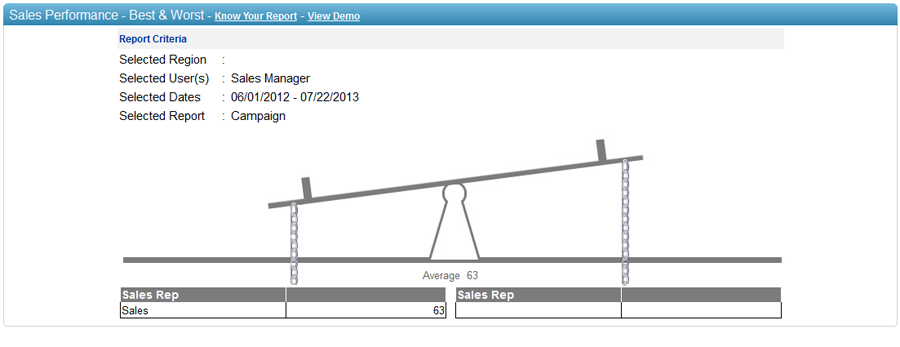
The
Sales Performance Best and Worst Report allows you to select the criteria
for e.g. Sales Orders placed, Sales Opportunity Size, Notes taken, Calls
scheduled etc. The report than calculates the average of the team based
on the selected criteria and plots sales personnel on the North of the
report if their score is above average and to the south of teh report
incase their score is below average.
To generate Sales Performance - Best &
Worst report:
1. Select user(s)
from the hierarchy. You can also select a region,
if you want to select user(s)
from specific region.
2. Select from
date.
3. Select to
date.
4. Select report criteria from ‘Status
Changed from’ Or ‘Sales Orders’
Or ‘Opportunities’ OR ‘Notes’
OR ‘Email Campaigns’ OR ‘Surveys’ OR ‘Case
Management’.